
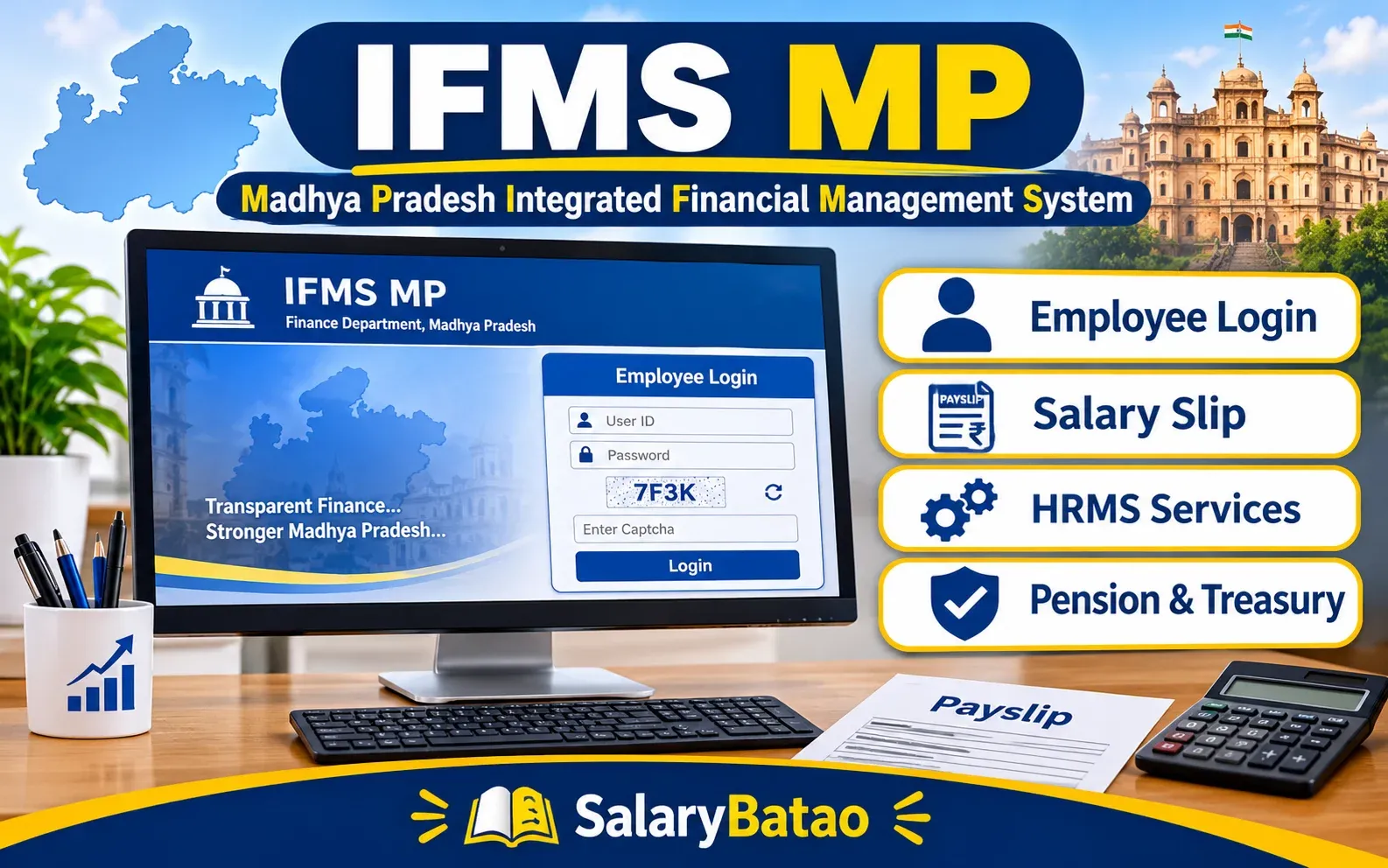
Integrated Financial Management System (IFMS)
Table of Contents
ToggleIFMS MP
Short answer: Madhya Pradesh government employees log in to IFMS MP at mptreasury.gov.in/IFMS, open HRMIS Home → Reports → Employee Pay Slip Report, choose the month and year, and download the PDF.
Last checked: 19 November 2026, against guides published through 2026. Portal menus can change, so follow the labels you see on screen if they differ.
| What you need | Where to do it |
|---|---|
| Official portal | mptreasury.gov.in/IFMS |
| Pay slip path | HRMIS Home → Reports → Employee Pay Slip Report |
| Yearly summary | Annual Salary Statement (same Reports menu) |
| Login details | User ID (employee code) + password + captcha |
| Help with login or wrong data | Your DDO (Drawing and Disbursing Officer) |
What is IFMS MP?
IFMS stands for Integrated Financial Management System. It is the web-based system the Madhya Pradesh government uses for salary, provident fund and other treasury work. Employees use it to see and download their own pay details. DDOs and treasury officials use it to process salary bills and payments.
You may see three names online. They overlap, so here is how they differ:
| Name | What it usually means |
|---|---|
| IFMS | The current name used on the official portal |
| IFMIS | An older spelling still used in many blogs and videos |
| Cyber Treasury | The e-payment and challan side of the MP treasury |
Use only the official IFMS MP treasury portal
Many people search for “www ifms mp gov in login payslip”. In the sources I reviewed, the government address is mptreasury.gov.in, with the employee login under /IFMS. Several other sites copy the treasury name, so check the address bar before you type your password.
| Website type | What to do |
|---|---|
| mptreasury.gov.in/IFMS | Official. Use this. |
| Older address mptreasury.org | Some guides and a bank-hosted treasury manual mention it. Prefer the .gov.in address. |
| Sites ending in .com (for example ifmsmp.com, mptreasury.com) | Private websites, not .gov.in. Do not enter your IFMS password there. |
| Any site asking for a fee or your OTP to “unlock” a pay slip | Treat as a scam and close it. |
Why this matters: your IFMS login protects salary and provident fund details. A fake page can capture your password. A .gov.in address is reserved for government bodies.
How do I log into IFMS MP?
- Open mptreasury.gov.in/IFMS in your browser.
- Choose the employee login or sign-in option.
- Enter your User ID (employee code) and password.
- Type the captcha shown on screen.
- Click Login. You will land on the IFMS dashboard.
Guides differ on whether the first field is called “User ID” or “Employee Code”. Use whatever your DDO gave you. If you have never had a login, ask your DDO office first.
Registering as a new user
Some guides describe a New User Registration option on the sign-in page. It asks for a username, password, security question, user type and captcha, then terms and conditions. Registration may need approval from your office, so confirm with your DDO if you are blocked.
Forgot your password?
Use the Forgot Password option on the login page if it is shown. Guides say this works through your registered mobile number, and one adds email. If no OTP arrives, your registered number may be outdated. Ask your DDO to help reset it.
How to download your IFMS MP treasury pay slip (PDF)
- Log in as above.
- Click HRMIS Home on the dashboard.
- Open Reports.
- Choose Employee Pay Slip Report, or Annual Salary Statement for a yearly view.
- Select the month and year and submit.
- Download the PDF or print it.
Pay slips for 2025 and 2026 work the same way: you pick the month and year.
| Report | Best used for |
|---|---|
| Employee Pay Slip Report | Single-month salary slip |
| Annual Salary Statement | Full-year view for tax or loan paperwork |
You can also reach the slip through the ESS (Employee Self Service) section on some versions. Several guides list an “Employee Pay Slip” option there.
Older slips: one guide says slips from before April 2018 sit in a separate “Old Salary Reports” section. I could not confirm this on the portal. If an older month is missing, ask your DDO.
What your pay slip shows
| Item | Meaning |
|---|---|
| Employee code | Your unique ID in the system |
| Basic pay | Base salary before allowances |
| DA and HRA | Dearness allowance and house rent allowance |
| GPF deduction | Provident fund amount cut from salary |
| Net pay | What reaches your bank account |
Why check it every month: a wrong deduction or missing allowance is easier to fix soon after it appears. Banks, visa offices and tax filings also ask for recent slips.
What else can you do on the IFMS MP portal?
| Service | Notes |
|---|---|
| GPF details | Provident fund balance and statements |
| Leave application | Listed by multiple guides |
| NOC, loan, travel allowance, medical | Employee services listed on the portal |
| Profile update | Update personal details through ESS |
Common IFMS MP problems and fixes
| Problem | Try this |
|---|---|
| Login keeps failing | Re-check the User ID and password, then the captcha. Use the Forgot Password option. |
| Page is slow or stuck | Clear the browser cache or try another browser. |
| PDF does not open | Allow pop-ups for the site. One guide links blocked pop-ups to the download not starting. |
| Salary figures look wrong | Contact your DDO. They manage the salary bill. |
| A month’s slip is missing | The bill may not be processed yet. Ask your DDO office. |
FAQs
Is IFMS MP free to use?
The guides I reviewed describe it as a free employee service. I did not find any official fee notice. Never pay anyone to “activate” or “download” your pay slip.
Can pensioners use the same portal?
Some guides say pension services exist on the treasury portal. If you are a pensioner, use the pensioner option shown on the official site and confirm details with your treasury office.
Who should I contact if I cannot fix a login issue?
Start with your DDO office. Helpline numbers differ between websites, so use the contact details on the official portal rather than numbers from blogs.
Official Portal: mptreasury.gov.in/IFMS
